AI & web
OpenAI, Anthropic, LangChain, React, Next.js, Vue, Angular, Svelte, Astro and more.
 BreakwaterAdd to Chrome
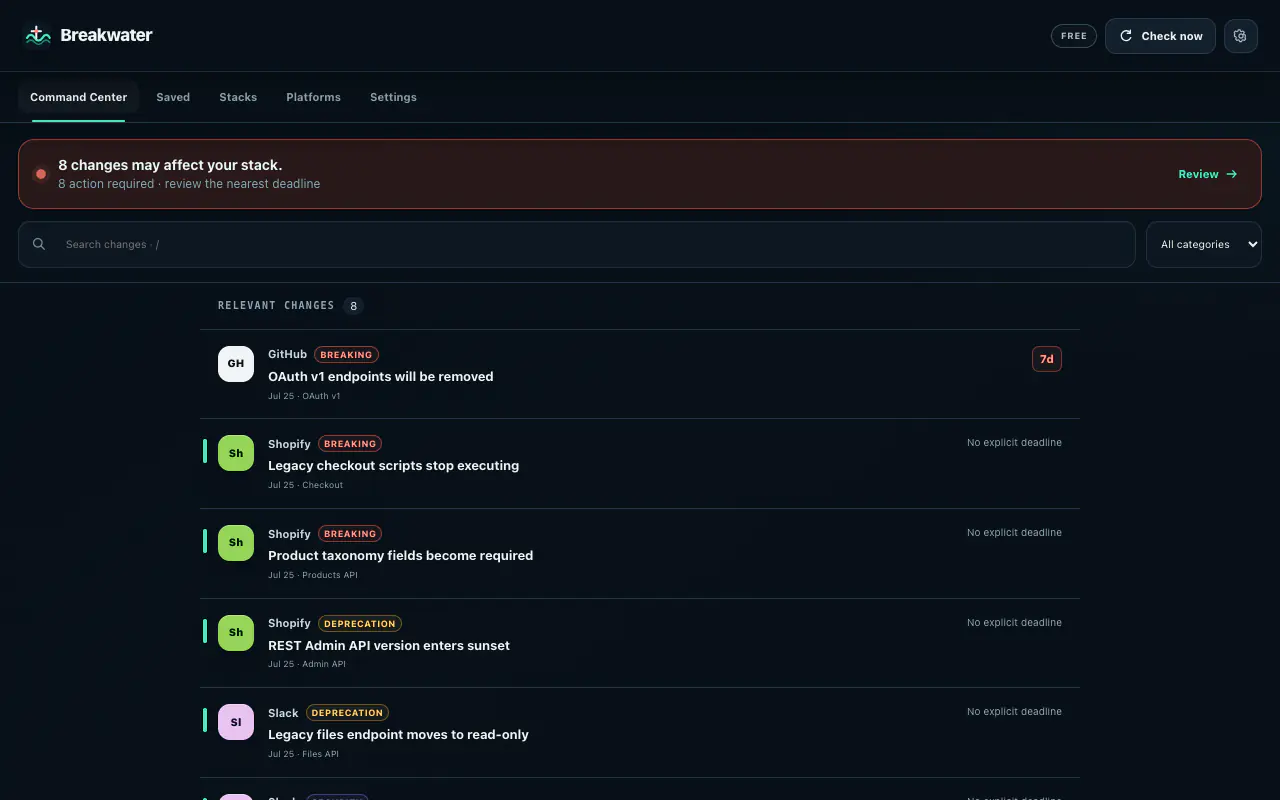
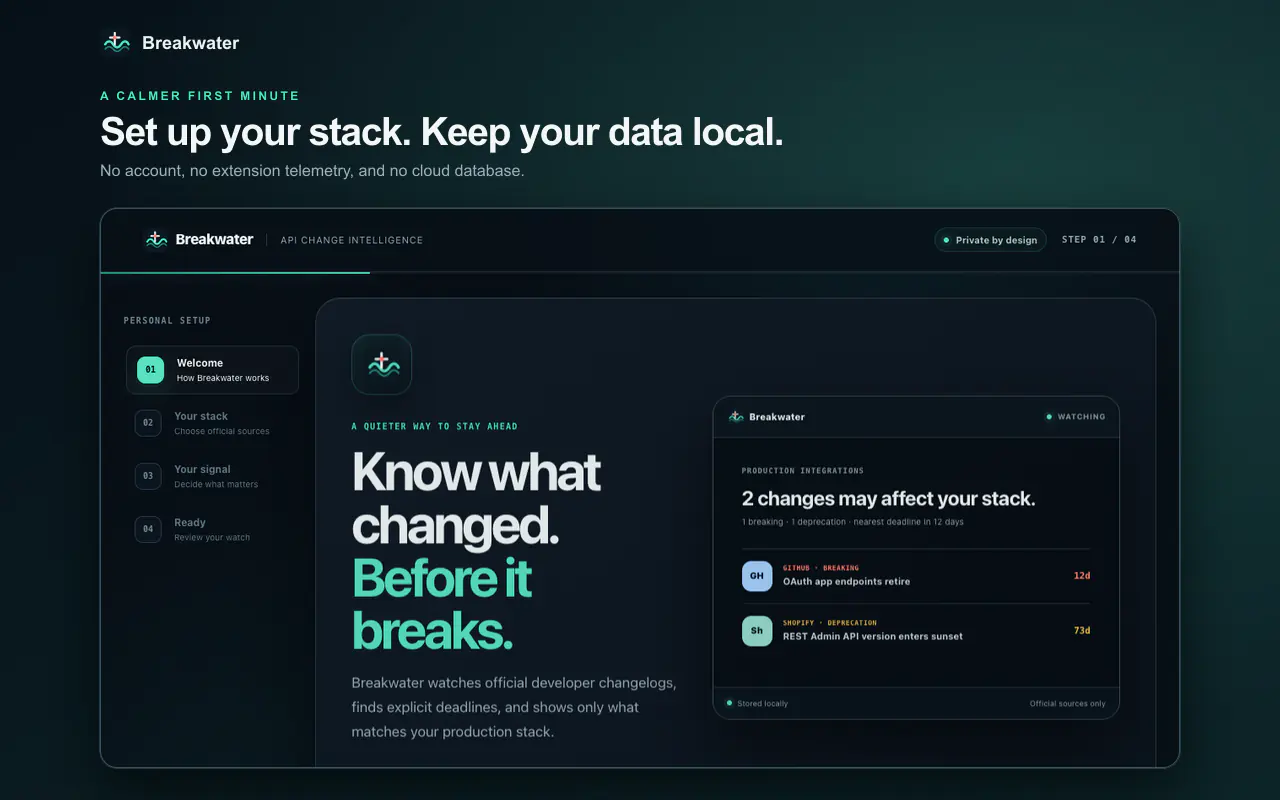
Breakwater monitors official developer changelogs, finds explicit deadlines, and shows what actually matches your production Stack.
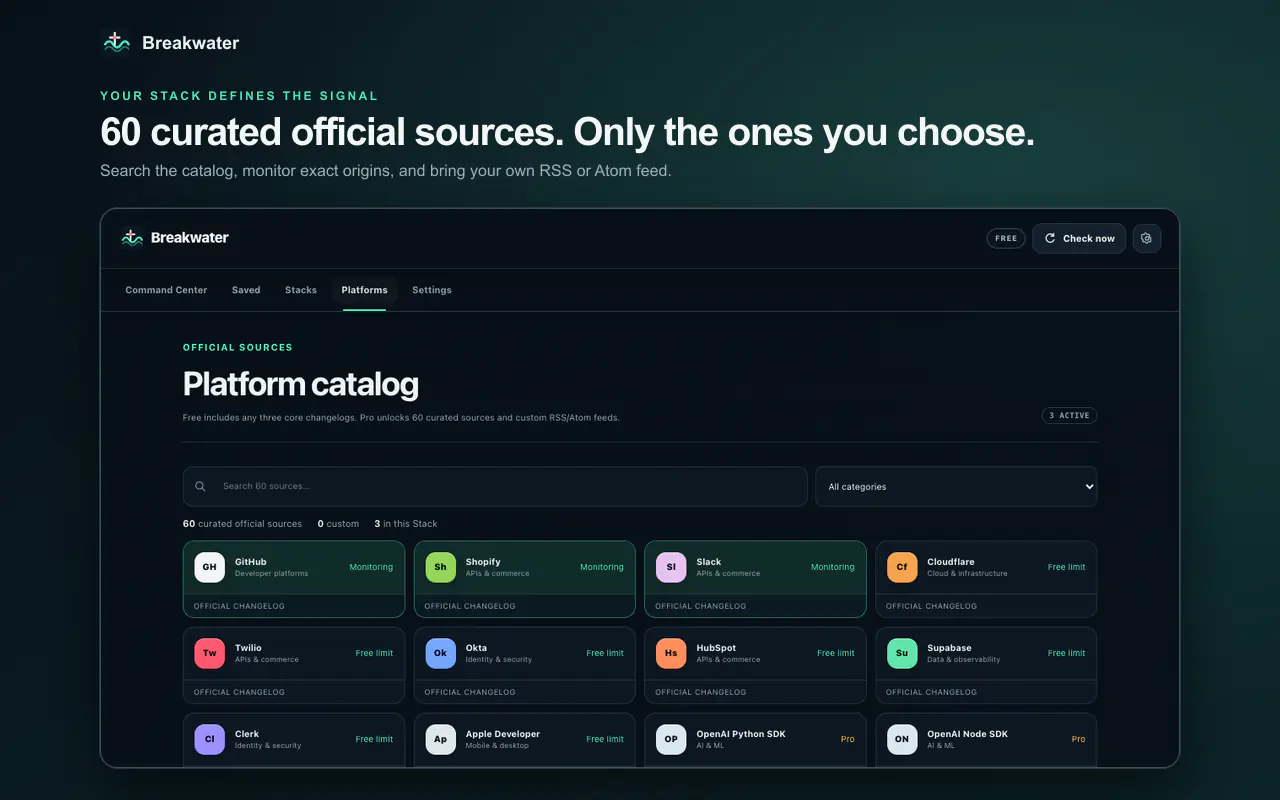
60 curated official sources · plus your own HTTPS RSS or Atom feeds
Start with ten focused changelogs. Pro unlocks 50 additional upstream release feeds across the technologies developers ship with, plus up to 100 custom HTTPS RSS or Atom sources per browser.
OpenAI, Anthropic, LangChain, React, Next.js, Vue, Angular, Svelte, Astro and more.
Node.js, TypeScript, Python, Rust, Go, .NET, Flutter, React Native, Expo and Electron.
Kubernetes, Terraform, Docker, AWS, Azure, Prisma, Redis, MongoDB, Grafana and more.
Add an official vendor feed or an internal public feed. Access is requested only for its exact HTTPS origin.
Breakwater first tells you whether anything relevant needs attention. Relevance requires a real platform, category, and Stack-filter match.
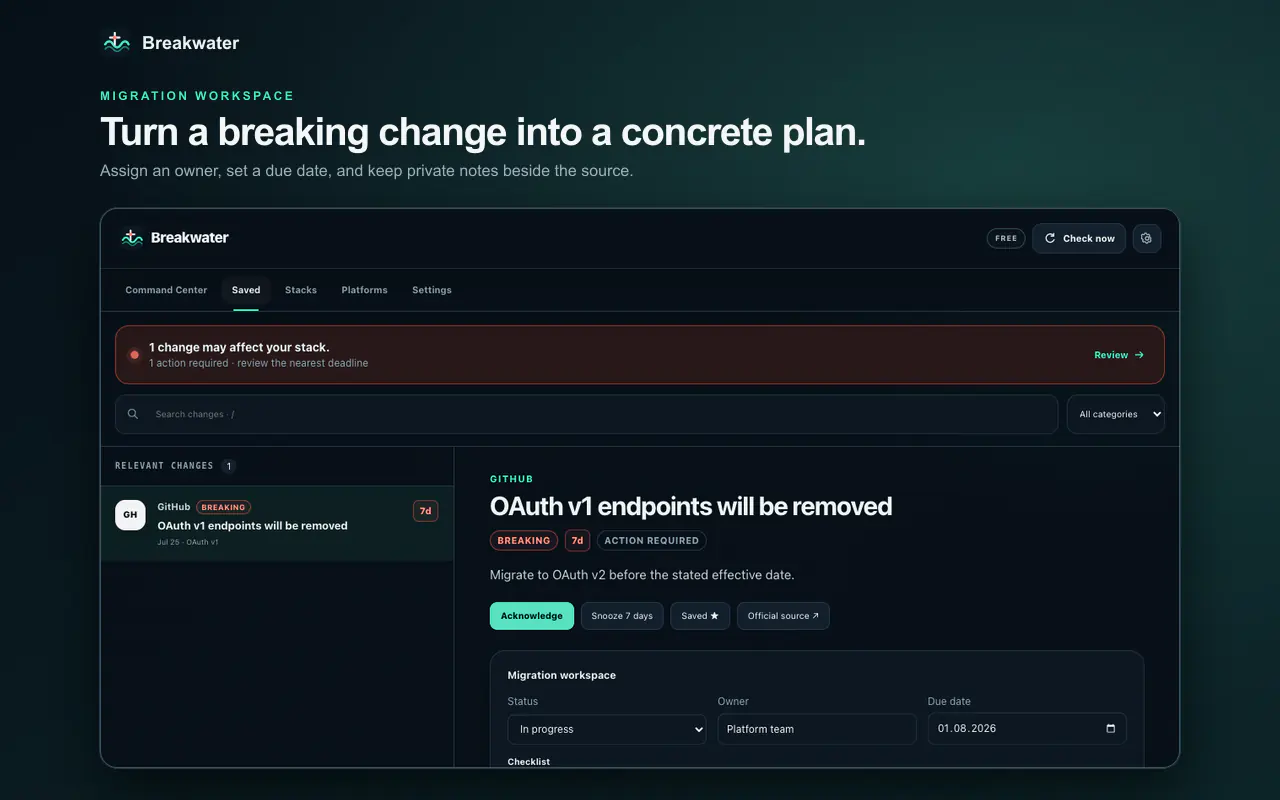
Search, filter, save, snooze, assign an owner, keep private notes, and finish a migration checklist—without leaving the browser.
Deterministic rules extract effective dates only from explicit language. Ambiguous posts stay informational, so false urgency does not become another alert.
Breakwater has no backend. Settings, custom feed URLs, notes, reading state, and feed history stay in the browser extension’s local storage (chrome.storage.local is the cross-browser API name). Feed HTML becomes plain text and is never rendered. Optional source access is granted one exact origin at a time.
$0
$49/year
$6/month
Secure checkout is handled by Polar. Your license key arrives by email and supports up to three browser activations across supported browsers; each browser profile uses one activation.
No. It compares official changelog metadata with the platforms, categories, and urgency filters you choose.
In the extension’s local storage on your device. Breakwater operates no application server. Chrome and Edge keep separate storage; use the validated export/import flow when moving between browsers.
The catalog contains 10 focused changelogs and 50 official upstream release feeds across AI, web frameworks, runtimes, mobile, cloud, data, identity and commerce. The complete searchable catalog is visible inside the extension.
Yes. Pro can add up to 100 custom HTTPS RSS or Atom feeds per browser. Breakwater validates the feed and asks the browser for access only to that exact origin. Feeds requiring authentication or private-network access are intentionally rejected.
No. Source markup is stripped. Breakwater renders its own React UI and plain text only; no remote code is permitted.
Choose a plan here or inside the extension, complete checkout with Polar, then paste the license key from your receipt into Breakwater Settings. One license supports up to three browser activations; each browser profile uses one activation.
Available now in the Chrome Web Store and Microsoft Edge Add-ons.